Enterprise AI Platform
One Workspace for the AI Work Your Teams Do Daily
For enterprises whose knowledge sits in documents, meetings and systems nobody can search across — one governed place for employees to find it, work with it and act on it.

Unified
AI Workspace
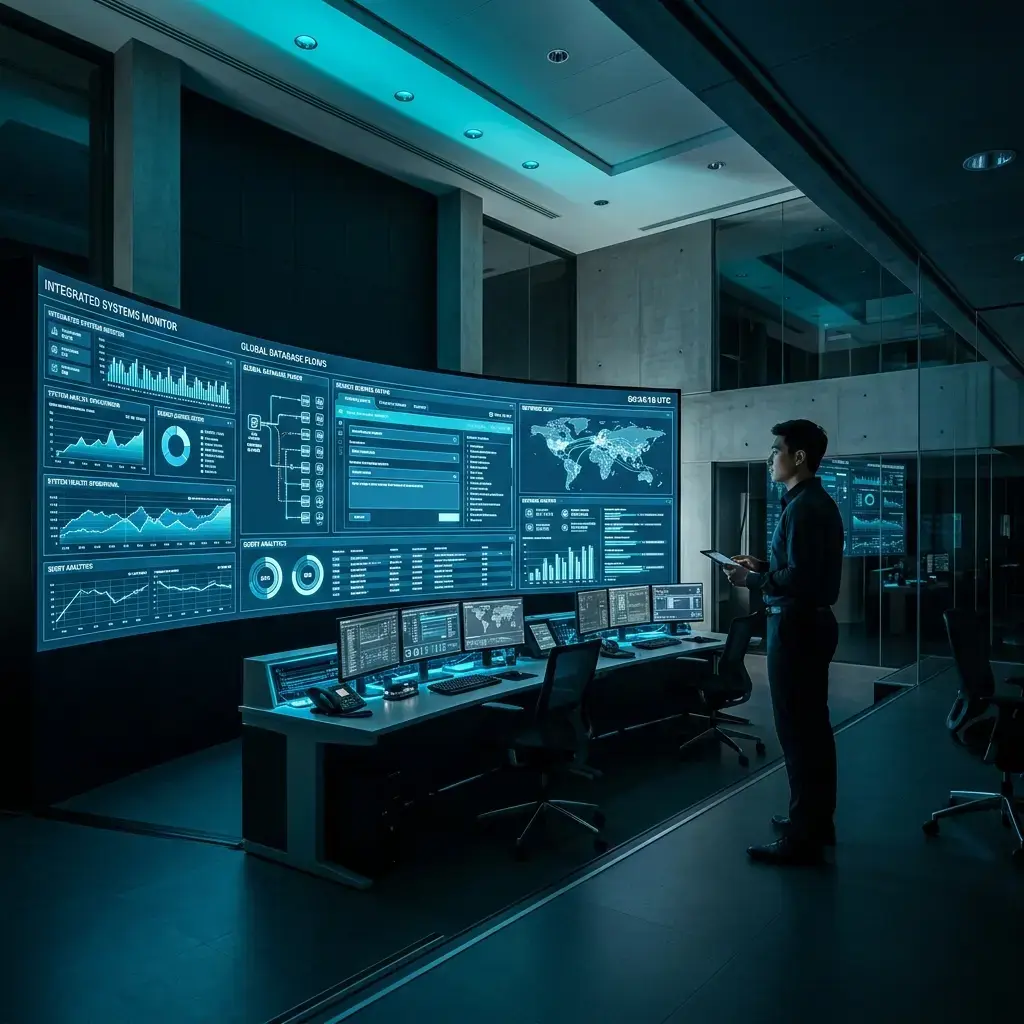
AppXcess builds AI in more than one shape. AI Solutions builds what you do not have yet, Agentic AI runs multi-step work on its own, Enterprise Intelligence answers questions about your numbers, and AI Infrastructure is where models actually run. The platform is the one your people log into: a single workspace over documents, search, meetings and approvals, with the admin controls IT needs before opening it to everyone.
One Place to Work
Documents, search, meetings, assistants and approvals in one interface instead of six separate tools.
Not a One-Off Build
An AI solution solves one problem for one team. The platform is the standing environment everyone works in.
Where Agents Stay Governed
Agentic AI runs work on its own. The platform is where people see what ran, approve it and keep control.
Fits Your Existing Stack
It works with the systems you already run, and alongside the infrastructure and data work AppXcess does elsewhere.

Document Intelligence Platform
Answers sit buried in contracts, reports and PDFs. The platform reads them, pulls out the parts that matter and makes them searchable, so checking a clause takes a query rather than an afternoon.

PDF Understanding
Pull the terms, dates and figures out of long PDFs so nobody reads eighty pages for one clause.
Contract Analysis
Surface obligations, renewal dates and liabilities for a first-pass review.
Knowledge Extraction
Turn documents into structured records your teams and systems can query.
Classification
Sort incoming documents by type and owner so they reach the right team.
Search Without Switching Systems
People ask once inside the workspace and the platform looks across the repositories it is connected to, instead of opening each system in turn. See Enterprise Search AI for retrieval as a capability in its own right.

Knowledge
Hub
Institutional memory, standard operating procedures and project archives in one place people can ask questions of, instead of a shared drive nobody searches.
Central Knowledge Repository
Manuals, documentation and chat history, indexed.
Organizational Intelligence
What past projects learned, kept findable.
Best Practice Libraries
Approved procedures a team can check fast.
Contextual Information Access
Answers surfaced inside the tools people use.
Routing and Approvals
Work that crosses systems and needs a sign-off usually moves by email. Here it moves as a routed flow, with every step visible and every approval recorded.
Workflow Automation
Repeatable document and request flows run end to end instead of by hand.
Process Coordination
Handoffs between people and automated steps happen in one place, not over email.
Task Routing
Approvals and checks reach the right person based on the content and the queue.
Operational Efficiency
Where work stalls is visible, so a queue gets fixed rather than guessed at.


Digital Workspace
Assistants
Every employee gets an assistant for the routine parts of the day: drafting, summarising and finding the right file, scoped to what their role already permits.
Employee Assistance
Draft an email, pull a report together or set a calendar item.
Daily Productivity Support
Convert files, summarise a recording, track action items.
Contextual Recommendations
Surface the files, records and people connected to what someone is working on.
Task Guidance
Walk someone through a procedure step by step instead of sending them a PDF.
Department Workspaces
Each team asks different questions of the same systems. Department workspaces arrive set up for the work HR, finance, operations and sales and support actually do.

HR & Talent
Screening and policy questions eat the week; both get answered from your own documents.
Finance & Audit
Invoice checks and audit prep are manual; records are matched and the evidence assembled.
Operations
Delays surface late; timelines and slipping steps show while there is still time to act.
Sales & Support
Reps rewrite the same material; drafts and tier-one answers come from your own records.

Meeting Intelligence
Decisions made in a meeting rarely reach everyone who needs them. Recordings become transcripts, summaries and tracked actions that stay searchable afterwards.
Transcription
A written record of the conversation, searchable later.
Summaries
The decisions and points raised, in a short readable form.
Action Items
Who agreed to do what, pulled out as a list.
Auto Follow-Ups
Actions carried forward and tracked until they close.
Ask Your Company
The question box inside the workspace: ask in plain language, get an answer from the documents and policies your access already covers, and carry on in the same place.

Internal Search
Ask once and get an answer from the systems the platform is connected to.
Policy Assistant
Answer policy and procedure questions from the current approved documents.
Grounded Answers
Every answer points back to the document it came from, so it can be checked.
Team Assistants
Assistants scoped to a team's own documents and the questions it gets asked.

Collaboration
Intelligence
What a team discussed, decided and produced usually lives in three different places. The platform keeps them together so the context survives the project.
Team Collaboration
Link conversation threads to the project files they actually refer to.
Shared Knowledge
Bring up what an earlier project learned while a new one is being planned.
Meeting Context
Keep decisions and action items visible between weekly syncs.
Collective Intelligence
Make findings from one team available to the rest of the organisation.
The Leadership Workspace
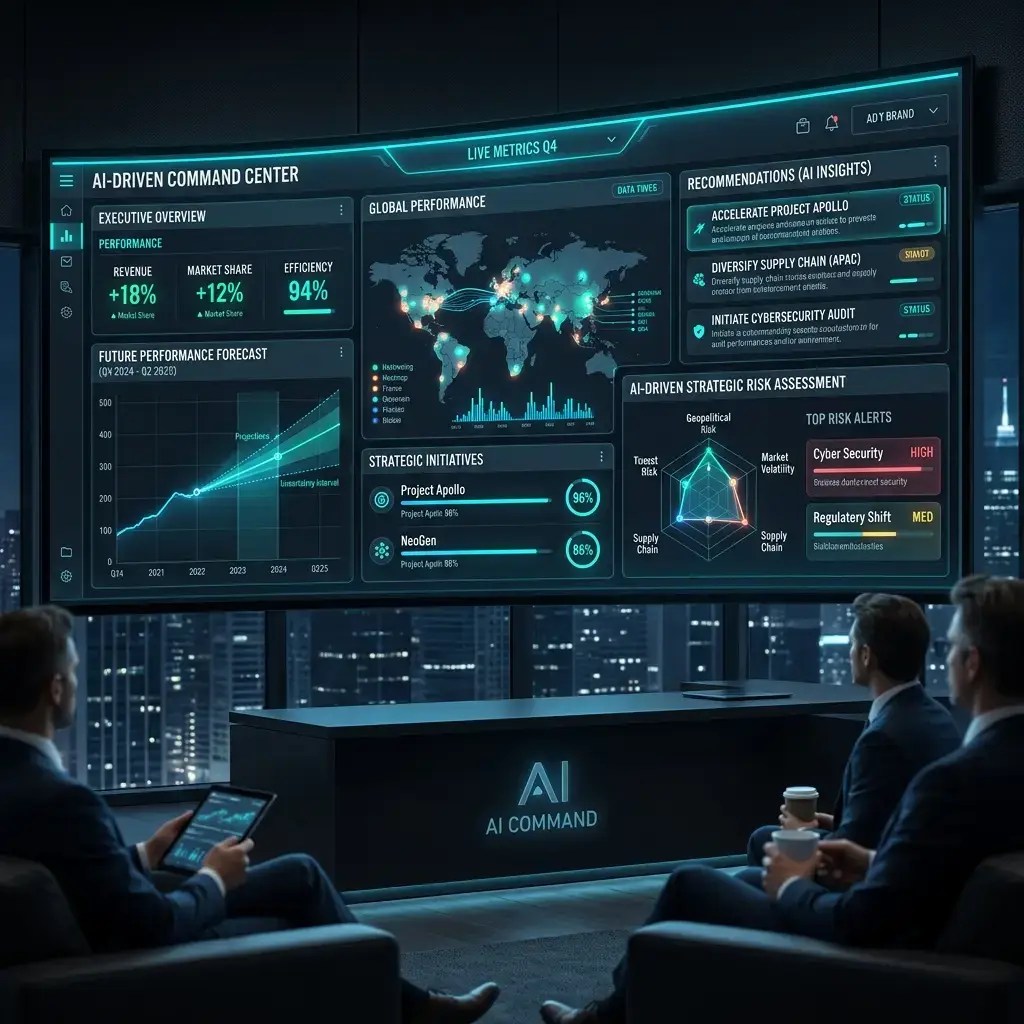
Leaders need the same view their teams work from. This one pulls the current state of projects, approvals and documents into a single overview.
Executive Overview
See where projects, approvals and requests stand without chasing four teams for a status.
Operational Visibility
Watch queues, service levels and system health from the same place.
Progress Tracking
Track work against the goals it was meant to support.
Suggested Actions
Surface what needs attention next, with the records behind it.
Executive Overview
See where projects, approvals and requests stand without chasing four teams for a status.
Suggested Actions
Surface what needs attention next, with the records behind it.
Progress Tracking
Track work against the goals it was meant to support.
Operational Visibility
Watch queues, service levels and system health from the same place.
Inside the Enterprise AI Platform
How work moves through the platform, from the systems it connects to through to a decision someone can act on.
Enterprise Integration
Ecosystem
The platform reads from the systems you already run — CRM, ERP, databases, document stores and collaboration tools — through their APIs and connectors, and it can run in cloud, hybrid or on-premise environments depending on where your data is allowed to sit.
CRM Integration
Read client records, deals and notes so answers reflect the current account.
ERP Integration
Reach inventory, billing and ledger records without exporting them first.
Collaboration Platforms
Work inside Microsoft Teams, Slack and email rather than asking people to move.
Document Systems
Index files from SharePoint, Drive, OneDrive, Dropbox and shares.

Employee Experience Platform
Give employees one place to ask for help, find what they need and get routine requests handled, instead of raising a ticket and waiting for someone to pick it up.

Self-Service Support
Answer common IT, payroll and benefits questions before a ticket is raised.
Internal Knowledge Access
Surface the documentation and tools that match someone’s role.
Productivity Enhancement
Help with writing, research and scheduling inside the same workspace.
Workplace Assistance
Handle bookings, schedules and routine admin requests.
Platform
Governance Controls
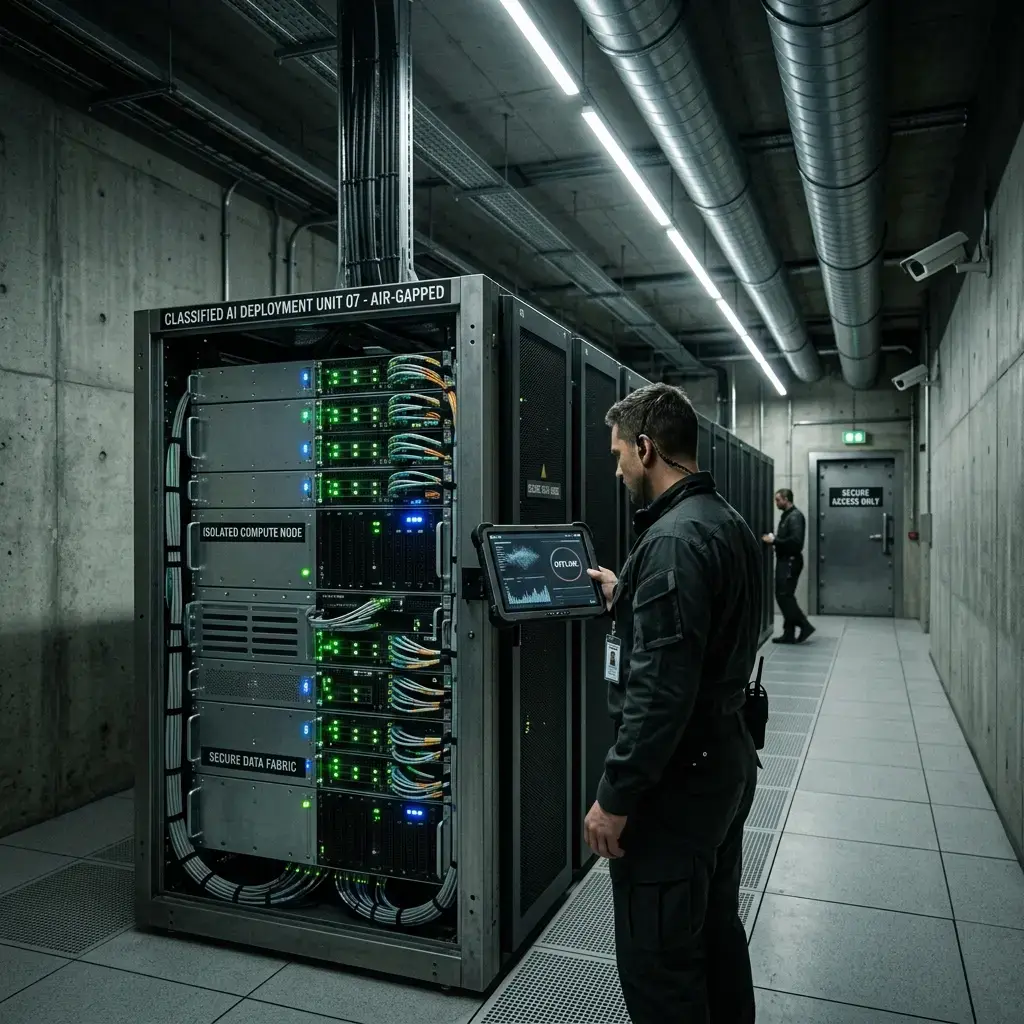
Administrators decide who can use which models and which data, and activity is logged. Compliance status is granted by your auditors; what the platform provides is the controls and the record they ask for.
Security Controls
Data encryption, identity mapping and network rules configured to your standards.
Access Management
Model and feature access allocated by role, using the directory you already run.
Compliance Monitoring
Conversation and access logs kept so a review can reconstruct what happened.
Platform Administration
API use, model spend and resource allocation visible from one console.
Platform
Scope Estimator
Set your own numbers to size a rollout. These figures are your inputs, not a projection of savings — we use them to scope licensing, effort and the phases a deployment would run in.
Employees who would sign in to the workspace.
Meetings a month turned into transcripts and actions.
Files the platform would make searchable at go-live.
Monthly process runs that could be routed through it.

Your Numbers
What Changes for Your Teams
WorkspaceKnowledge Access
Documents, meetings and records in one place.
SearchingTime Spent Looking
Ask once instead of checking system by system.
DepartmentSame Workspace
HR, finance, operations and sales work in one place.
WideKnowledge Visibility
Separate repositories brought under one governed index.
Enterprise AI Platform FAQs
It is a single place where employees work with AI over company knowledge, instead of a separate tool for each task. In one interface people search across connected systems, work through documents, capture meetings, ask questions of internal material, and send work through approval steps — with an admin layer that controls who can use what.
They answer different needs. An AI solution is a custom build that solves one problem for one team. Agentic AI runs multi-step work on its own. The platform is the standing environment your people use every day: one interface, one set of connections to your systems, and one place to administer access. Teams often end up with all three, and the platform is where the day-to-day work happens.
Search across connected repositories, work through contracts and reports, get meeting transcripts, summaries and action items, ask questions of internal documents and policies in plain language, use department workspaces set up for HR, finance, operations and sales, and move work through routed approval steps.
Document stores such as SharePoint, OneDrive, Google Drive, Dropbox, ShareFile and internal file shares; collaboration tools such as Microsoft Teams, Slack and email; and business systems including CRM and ERP, reached through their APIs. The aim is to read from the systems you already run rather than replace them.
In cloud, hybrid or on-premise environments, depending on where your data is allowed to sit. Sizing the compute and hosting that choice implies is covered by our AI Infrastructure work, and organisations with residency or air-gap requirements are covered by Sovereign AI.
People see what their role permits, using the identity directory you already run, so platform permissions follow your existing rules rather than a second set. Administrators manage model and feature access from one console, and activity is logged so a later review can reconstruct what was asked and retrieved.
One Workspace for
Your Whole Team
Tell us which teams would use it first and which systems it has to read from, and we will scope what a first rollout covers.